 Jun, 18 2026
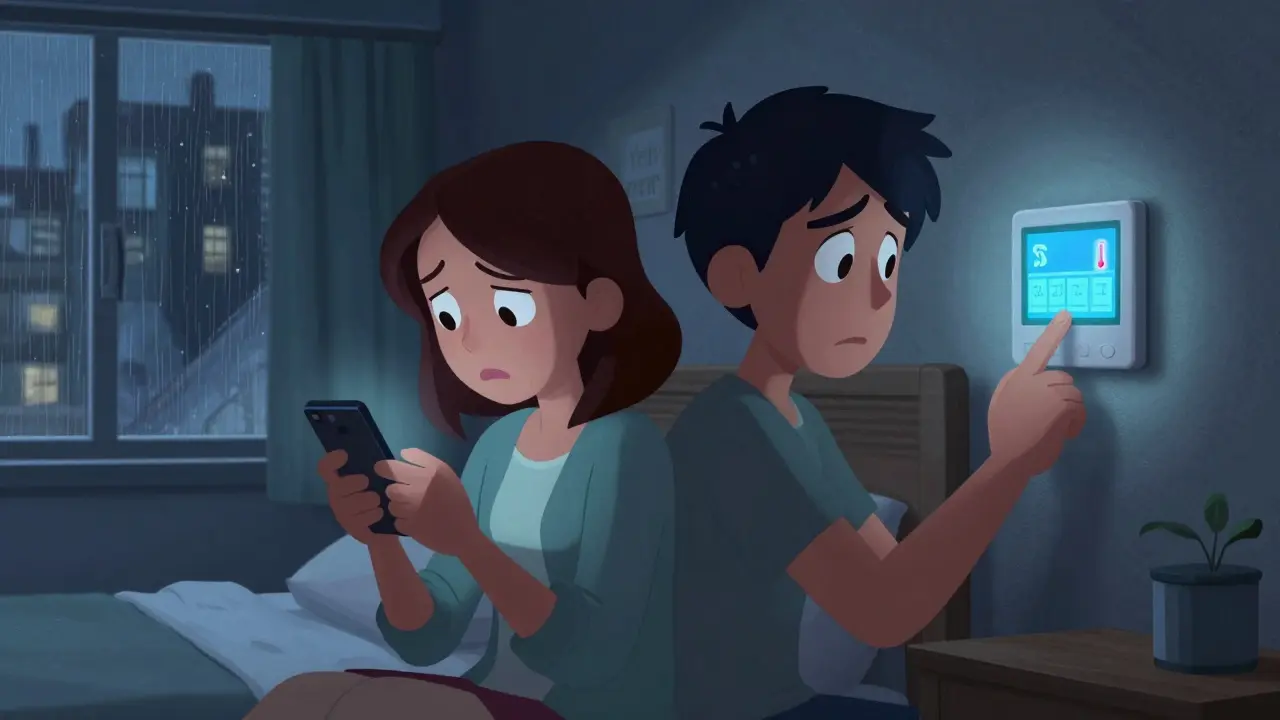
Picture this: you are stuck in a hotel room in another time zone, your phone battery is dead, and the Wi-Fi at home has just dropped. Your partner needs to log into the smart thermostat app to fix the temperature before the pipes freeze, but they don't know the password. They call you, but there is no signal. This isn't a disaster movie plot; it is a Tuesday for many couples.
We live in a world where our household runs on logins. The mortgage portal, the utility account, the baby monitor, the shared grocery list, and yes, the Wi-Fi router admin panel. For years, the standard advice was simple: keep your passwords private. But privacy comes with a hidden cost-accessibility. If only one person knows the critical credentials, that person becomes a single point of failure. When life gets in the way-travel, illness, or just being offline-the other partner is locked out of their own home's digital infrastructure.
The old workaround? Write them down in a notebook or share a sticky note photo via text. Both methods are risky. Notes get lost, and texts sit permanently in an inbox that anyone who picks up the phone can read. We need a better way to handle password storage for couples-one that balances security with immediate, conditional access.
Why Shared Notes Are Not Secure Enough
You might be thinking, "I just put the important ones in a shared Google Doc." It is convenient, but it is not secure. In a shared document, every person with access sees everything. If you grant your partner access to the Wi-Fi password, they also see your bank login, your email credentials, and any sensitive documents you stored there. There is no granularity. It is all or nothing.
Furthermore, shared notes lack control. Once you share the doc, you cannot easily revoke access without sending another message. If you change a password, you have to remember to update the doc. If your partner leaves the device unlocked, a guest or a child could stumble upon financial details meant only for you. True security requires more than just hiding data; it requires controlling who sees what, and when.
The Concept of Conditional Access Continuity
This is where the idea of a digital vault that supports conditional access changes the game. Instead of handing over the keys to the kingdom, you set up rules. This approach, often called conditional access continuity, ensures that a specific credential is released to a chosen person only under conditions you define in advance.
Imagine storing your joint account login in a secure system. You set a rule: "If I do not check in for 48 hours, release this specific login to my partner." Or perhaps, "Release the babysitter packet (Wi-Fi, alarm code, emergency contacts) every Friday at 5 PM for two weeks while we are away." The recipient does not need technical skills. They simply receive a notification when the condition is met, allowing them to decrypt and view only that specific credential.
This solves the "away" problem perfectly. You are not giving up your privacy for the sake of convenience. You are maintaining full control until the moment help is actually needed. It turns a potential crisis into a seamless handover.
How Vaulternal Secures Household Credentials
To make this work safely, you need a platform built on zero-knowledge architecture. This means the company hosting your data cannot read it, even if they wanted to. Enter Vaulternal, a service designed specifically for this kind of secure, conditional sharing.
When you store a password in Vaulternal, it is encrypted on your device using AES-256 encryption. Specifically, it uses AES-256-GCM, which provides both confidentiality and integrity checks. Your data is chunked and hashed before it ever leaves your phone or computer. Vaulternal never holds the decryption keys. Only you-and the people you explicitly authorize-can unlock the contents.
But encryption is only half the story. Storage matters too. Most services keep your data on a single corporate server. If that server goes down, or if the company faces legal pressure, your access is at risk. Vaulternal takes a different path by utilizing decentralized storage. Your encrypted files are distributed across Arweave for permanent storage, IPFS for peer-to-peer distribution, and anchored with metadata on Polygon blockchain. This means your credentials are not dependent on one company staying in business. As long as the internet exists, your vault remains accessible.

Setting Up Your Family Credential Vault
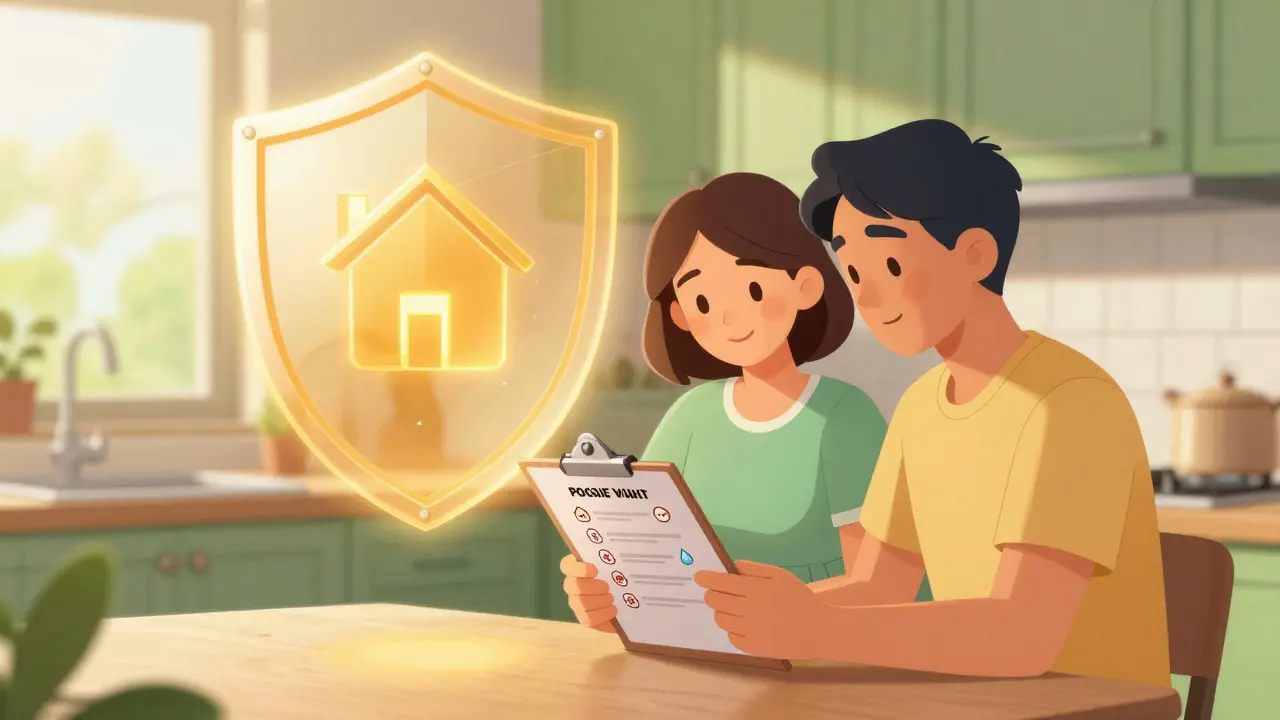
So, how do you actually set this up? It starts with identifying which credentials are critical for household continuity. These are the logins that, if inaccessible, would cause significant disruption or safety issues. Here is a practical checklist:
- Internet Router Admin Panel: Needed to reset Wi-Fi or block devices.
- Utility Accounts: Electricity, water, gas portals for reporting leaks or outages.
- Mortgage or Rent Portal: To verify payments or contact management during emergencies.
- Smart Home Hub: Cameras, doorbells, and thermostats.
- Medical Portals: Access to family health records if one partner is incapacitated.
Once you have identified these, you create separate entries in your digital vault. Do not bundle them all together. Use Vaulternal's multi-recipient sharing feature to assign per-recipient encrypted access keys. This means your partner can access the mortgage portal, but not your personal email. A babysitter can access the Wi-Fi and alarm codes, but not the bank accounts.
Next, define your triggers. Vaulternal offers several types:
- Time-Based: Release access on a specific date and time (e.g., when you go on vacation).
- Inactivity-Based: Release access if you fail to check in within a set period (e.g., 72 hours). This is crucial for unexpected situations like hospital stays.
- Manual Trigger: You manually send the key when you know you will be unreachable.
These conditions can be changed or cancelled at any time before they trigger. If you return from your trip early, you cancel the trigger, and the access never opens. This flexibility is what makes it superior to static password managers.
Practical Scenarios for Couples
Let's look at how this plays out in real life. Say you are planning a weekend getaway. You want your partner to have full control of the house while you are gone. Instead of texting them a list of passwords, you log into Vaulternal and create a "Weekend Packet." You include the Wi-Fi password, the smart lock code, and the streaming service login. You set a manual trigger to release it on Friday evening. On Saturday morning, your partner receives a clean, easy-to-use interface showing only those three items. No clutter, no risk.
Now consider a less planned scenario. You are traveling for work and your phone gets stolen. You are stranded without a device to authenticate two-factor codes. If you had set up an inactivity trigger in Vaulternal, your partner could access your primary email login after 24 hours of no check-ins. This allows them to reset passwords for other services on your behalf, keeping your digital life moving forward while you sort out the theft.
Another common use case is the "caregiver packet." If you are undergoing a scheduled procedure, you might grant temporary access to your medical portal and pharmacy account to a trusted family member. You set the trigger to expire automatically after three days. Once the period ends, the access revokes itself. No follow-up emails, no awkward conversations about returning access. It just works.
Choosing the Right Plan for Your Needs
Vaulternal offers a straightforward pricing model that scales with your needs. The Free plan gives you 2 GB of storage at no cost, which is plenty for most couples who primarily need to store text-based credentials and a few small documents. No credit card is required to start.
If you have more extensive needs-perhaps storing large files, insurance policies, or detailed household manuals-the Starter plan ($8.33/mo billed annually) and Pro plan ($15/mo billed annually) provide unlimited storage. Given that the core value here is peace of mind and operational continuity, the cost is minimal compared to the stress of being locked out of your own home's systems.
Maintaining Your Digital Vault
Like any security system, a digital vault requires occasional maintenance. Passwords change. Services update their interfaces. It is good practice to review your vault once a quarter. Check that your triggers are still relevant. Update any expired credentials. Add new services as your household evolves.
Also, ensure your trusted contacts know how to access the vault. Vaulternal is designed to be user-friendly, requiring no special technical knowledge from recipients. However, it helps to walk your partner through the process once. Show them where to find notifications, how to open a decrypted file, and what to do if they receive an unexpected trigger. This preparation reduces friction when time is tight.
Remember, the goal is not to create a complex system that burdens you. It is to remove friction from emergencies. By automating access through conditional triggers, you eliminate the need to scramble for information when you are already stressed. You sleep better knowing that your partner can keep the lights on, even if you are not there to flip the switch.
Is Vaulternal safe to use for sensitive passwords?
Yes. Vaulternal uses client-side AES-256-GCM encryption, meaning your data is encrypted on your device before upload. The company operates on a zero-knowledge architecture and never holds your decryption keys. Additionally, data is stored on decentralized networks like Arweave and IPFS, reducing reliance on a single corporate server.
What happens if I change my mind about sharing a password?
You can cancel or modify any access trigger at any time before it activates. If you set a trigger for a future date or inactivity period, you retain full control to revoke it instantly. Once a trigger has fired and the recipient has accessed the data, you would need to change the password itself to prevent further access.
Does my partner need to download Vaulternal to access shared credentials?
Recipients do not need deep technical knowledge or necessarily a full account setup to view shared items, depending on the configuration. The system is designed to be user-friendly, delivering the necessary decryption keys directly to the authorized person when the predefined conditions are met.
Can I share different passwords with different people?
Absolutely. Vaulternal supports multi-recipient sharing with per-recipient encrypted access keys. You can grant your spouse access to financial accounts while giving a babysitter access only to Wi-Fi and alarm codes. Each recipient sees only what you explicitly allow them to see.
What if Vaulternal shuts down? Will I lose my data?
No. Because Vaulternal uses decentralized storage solutions like Arweave and IPFS, your encrypted data is not stored on a single proprietary server. Even if the company ceased operations, your data would remain on the distributed network, accessible via your private keys.